Connect Apple Health
Nothing can read Apple Health from off your phone, so this source inverts: the Console mints a private ingest endpoint and a secret, and your iPhone pushes your metrics to it on a schedule — through the Health Auto Export app, the path that runs in production. Postern keeps what your phone chooses to send, from the day it starts sending.
1
Mint the ingest endpoint in the Console
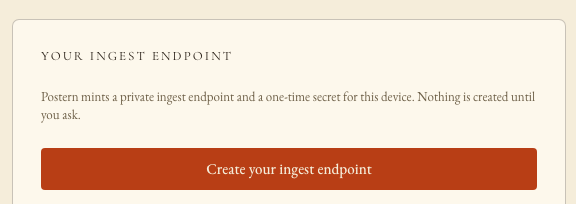
Console → Add a source → Apple Health → Create your ingest endpoint. The card renders two credentials: the ingest path — /api/ingest/<connection-id> — and the device secret, shown once. The path is not the full URL: Postern is never told your remote-access host, so you compose the URL yourself — the address tailscale serve gave the ingest port, plus the path, as in the box below. Copy the full URL and the secret; steps 3 and 4 paste them into your phone.
2
Install Health Auto Export on the iPhone
From the App Store. Its REST-API automations may require the app's paid tier.
3
Automation one — health metrics
Health Auto Export → Automations → new. These are the production gateway's own settings, copied from its running automation — set every field exactly. For the metric selection: production selects essentially the full list; start with everything and prune later, since each day's file is small.
4
Automation two — workouts
A second automation, identical in every field above, with three changes: Export Data Type is Workouts, Include Workout Metadata is ON, and Include Routes is ON (Include Health Metrics is OFF — the metrics automation already carries them). Two automations split by data type keeps each payload small and each failure legible.
5
Run one manually, watch the first rows land
Set each automation's schedule — production pushes every hour (sync cadence: 1 hour), and hourly is a good default — then run one by hand and watch the connection's first samples arrive in the Console. From then on your phone pushes on its own cadence — sleep, workouts, and every metric you selected, queryable by any agent you have granted health.
WHAT STANDS WHEN YOU FINISH
A health connection fed by your own phone, on your own schedule, with no cloud in between. The ingest endpoint accepts nothing without its secret, and the connection reports an honest freshness state — an agent asking about your sleep can see exactly how current the answer is.