Set up Postern
One password, one command, and a gate of your own answers on localhost — measured cold, healthy in about twenty seconds. Then mint the first key and let an agent in. Nothing is granted until you grant it.
1
Clone, seed a password, come up
Clone the repository and cd in. Give Postgres a password and start the stack:
2
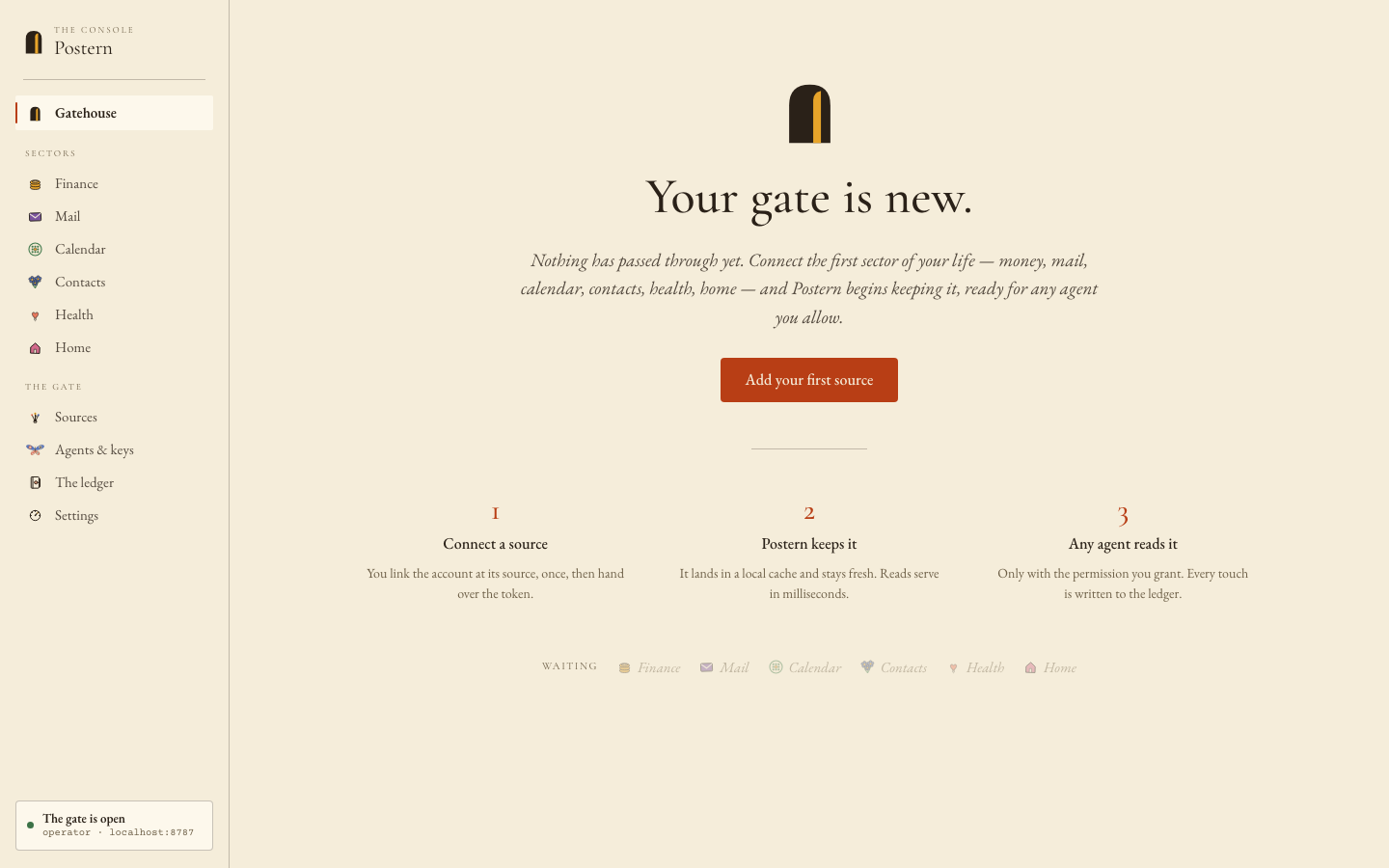
Open the Console
http://localhost:8787 — the Gatehouse greets you with "Your gate is new." Nothing else is required.
3
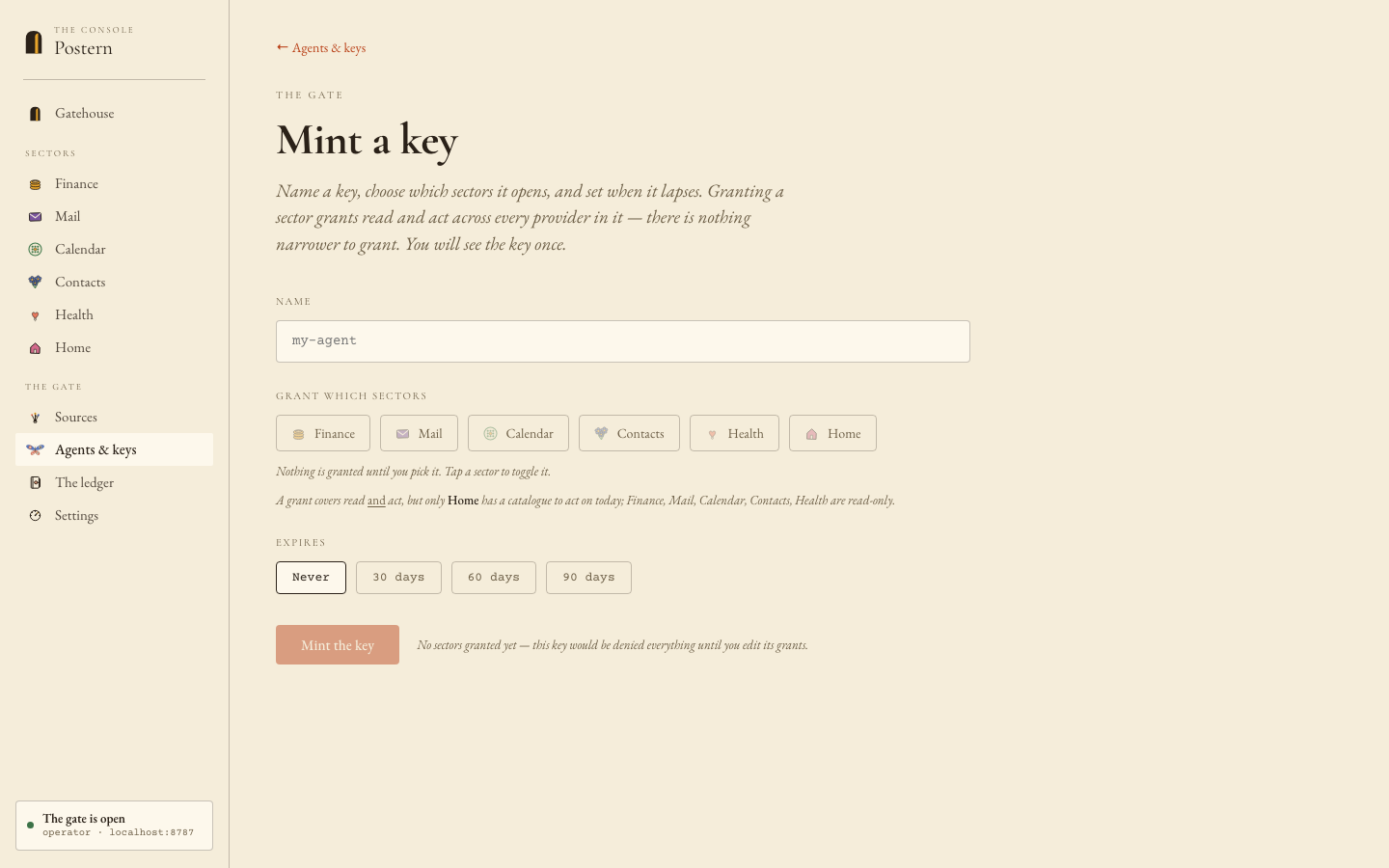
Mint the first key
Console → Agents & keys → new. Name the agent, tick the sectors it may reach — default-deny: nothing is granted until picked — set an expiry, and Mint.
4
Connect an agent
A local agent pairs with one command — the same screen that minted the key shows the MCP endpoint:
A hosted agent (claude.ai) follows the Console's "Connect a hosted client" walkthrough — the URL to paste is your published origin plus /mcp.
WHAT STANDS WHEN YOU FINISH
A running gate, one agent inside, every visit on the record. No key gets a 401; the minted key gets a full handshake and sector-scoped answers. The Console’s ledger shows the first visit the moment it lands — and from here every source you connect is reachable by every agent you admit, with no further setup on either side.