Connect Plaid
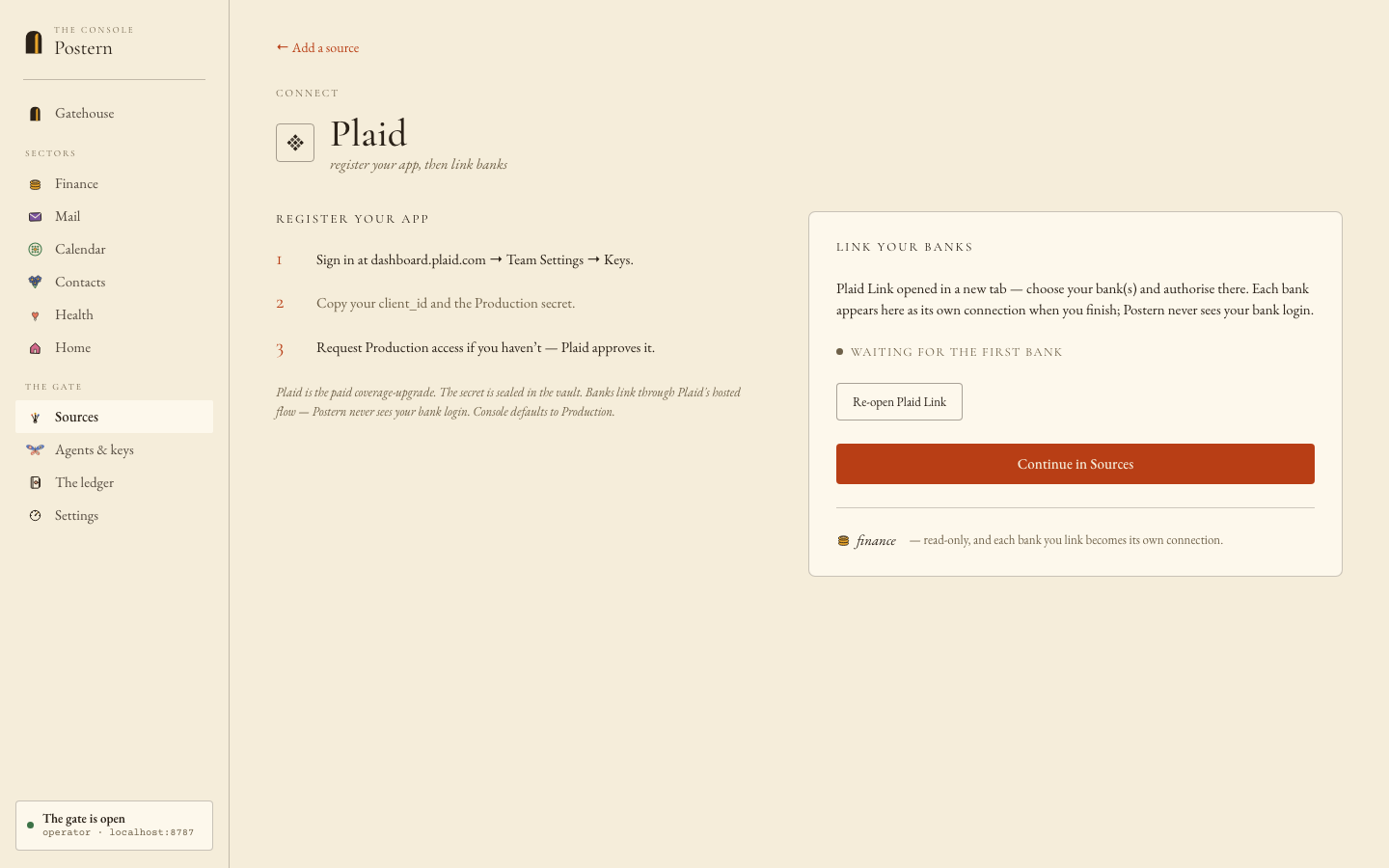
The finance coverage upgrade — banks SimpleFIN can't reach, each linked bank its own connection. Sign-in happens in Plaid's own hosted window; Postern never sees your bank login, and the Console simply polls until the bank appears.
1
Copy your keys from the Plaid dashboard
dashboard.plaid.com → Developers → Keys → copy the client_id and the Production secret.
2
Paste both into the Console
Console → Add a source → Plaid → client_id + secret → Save & add a bank.
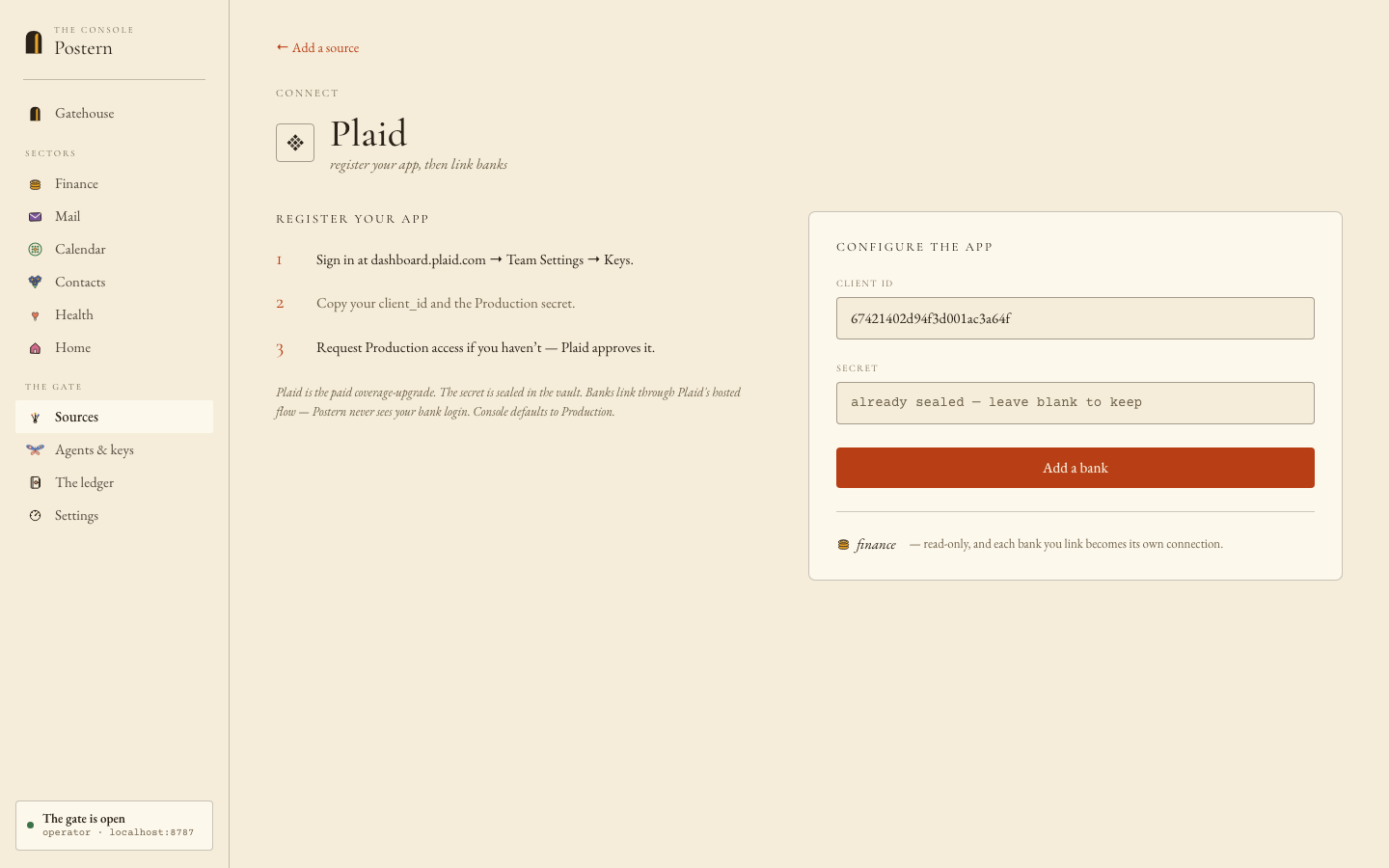 your-client-id
3
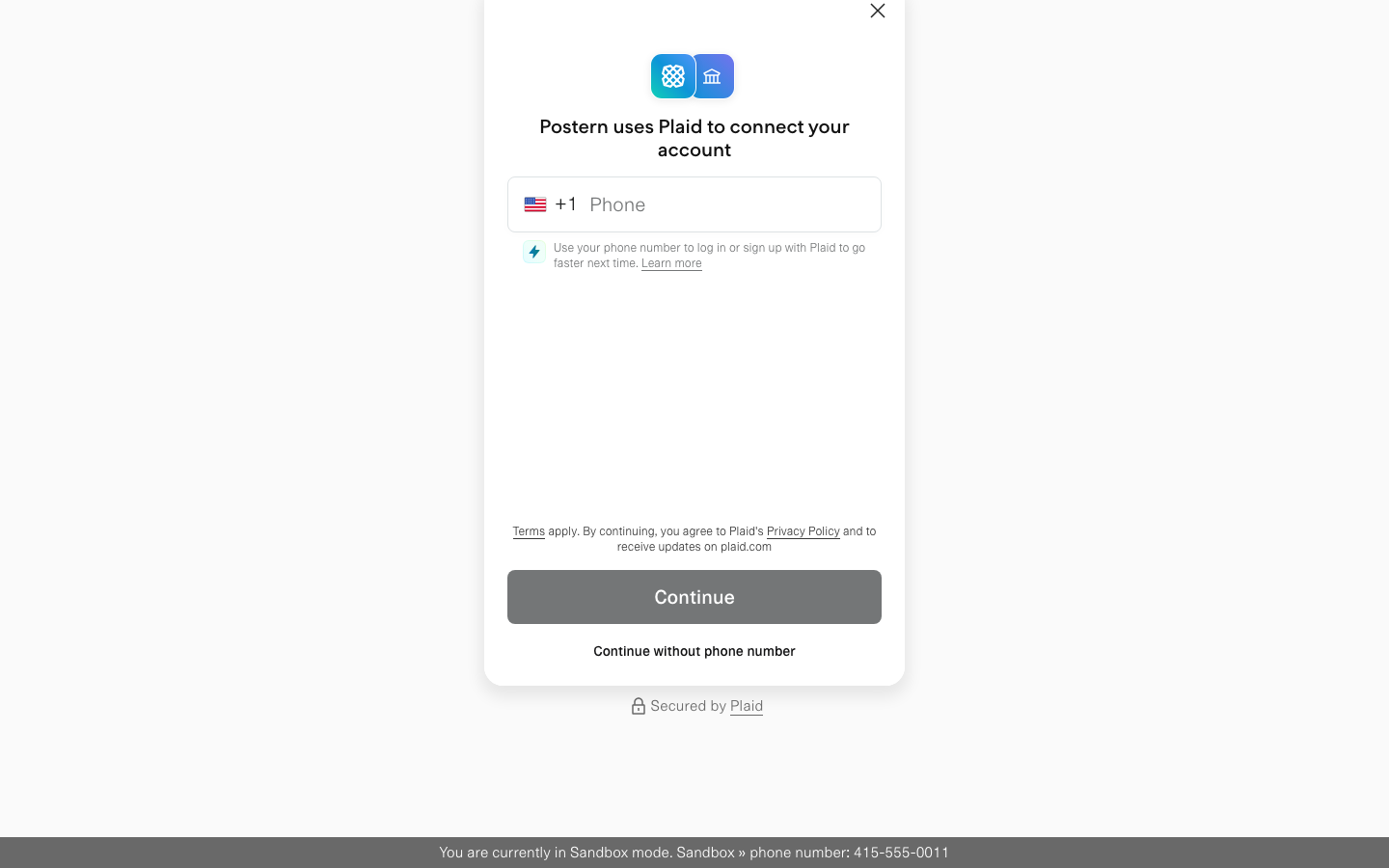
Link the bank in Plaid's own window
Hosted Link opens in a new tab. The phone pane's "Continue without phone number" works fine. Pick your bank, sign in, finish — the bank appears in the Console's panel; repeat for more banks in the same session.
WHAT STANDS WHEN YOU FINISH
One connection per linked bank — accounts and transactions syncing on cadence, deduplicated against SimpleFIN where they overlap. Bank consent expires roughly annually; the Console shows each bank's health and a Reconnect. Disconnecting calls Plaid's /item/remove, which also stops that bank's billing.